Nothing is worse than testing out a change that works in staging, only to see it behave differently in production. That’s why we wanted to give you an environment that’s as close to production as possible — so you can battle-test your changes and make sure they behave exactly as you expect them to. Agents are helping us push more lines of code than ever before, and larger changes mean more ground needs to be tested ahead of release.
Ideally, that testing is done in a way that doesn’t slow agents down , but gives them the tools to take on more of the development lifecycle. That’s why today we’re launching Worker Previews . Each Git branch gets a production-like place to run, with its own code, configuration, URL, observability, and state.
So now, for every change in your codebase, you can: Deploy an isolated Preview with npx wrangler preview , using its own variables, secrets, and bindings, separate from production configuration and traffic. Share a stable Preview URL for the branch so that every push updates the same running Preview where you can send requests, click through the UI, and test runtime responses.
Isolate Durable Objects and Containers per branch, keeping state changes, sessions, memory, migrations, and concurrent tests scoped to that Preview. Inspect logs, errors, metrics, and traces for that Preview to confirm the change works, catch failures, push a fix, and verify it before production sees it. Start from the Preview configuration you set, so each Preview begins with a copy of the variables, secrets, bindings, and settings you define — just like a code branch starts from main .
We call this the base configuration . Override a Preview’s configuration when needed , like pointing it at its own database or test API key for migrations — without changing production, the base, or other Previews’ configuration. Serve Preview URLs on a custom domain so that auth providers, cookies, cross-origin resource sharing (CORS), and OAuth redirects work the same way they will in production.
The result is a pre-production feedback loop for every branch. Push your change to a branch, test behavior, inspect performance — before you merge to production. This enables an Agent Development Lifecycle (ADLC) where each change is atomic, independently deployable, observable, and revisable.
And it gives agents and humans the evidence they need to self-improve : catch what failed, push a fix, and verify the next deployment before it hits production. Every Git branch gets its own environment When you start work on a new feature, the first thing you do is branch off of main . You get your own copy of the code and make your changes without affecting anything in production.
Worker Previews extend that same model beyond code. Each branch gets its own isolated environment and URL. You can run hundreds of Previews at the same time — each operating independently without affecting other Previews or production.
Production and each Preview have their own configuration — served on their own URL. When you run npx wrangler preview , the branch gets its own copy of your Previews configuration that you have defined, running on its own URL — all under the same Worker. In the dashboard, this works like switching branches.
Click the breadcrumb next to your Worker's name (it defaults to Production) to see all your Previews: The dashboard brings every environment into one view. Production sits alongside as many Previews as you need, so contributors can work on separate changes without fighting over a shared staging site. Unlike Wrangler environments , where each environment requires deploying and managing a separate Worker, Previews keep that isolation in one dashboard view.
Each Preview runs as a real version of your Worker. Some changes can only be validated at runtime: an API endpoint has to handle a real request and return the right response. More subjective changes, like a UI update, a new onboarding step, or a different error state, need to be experienced in context before they reach production.
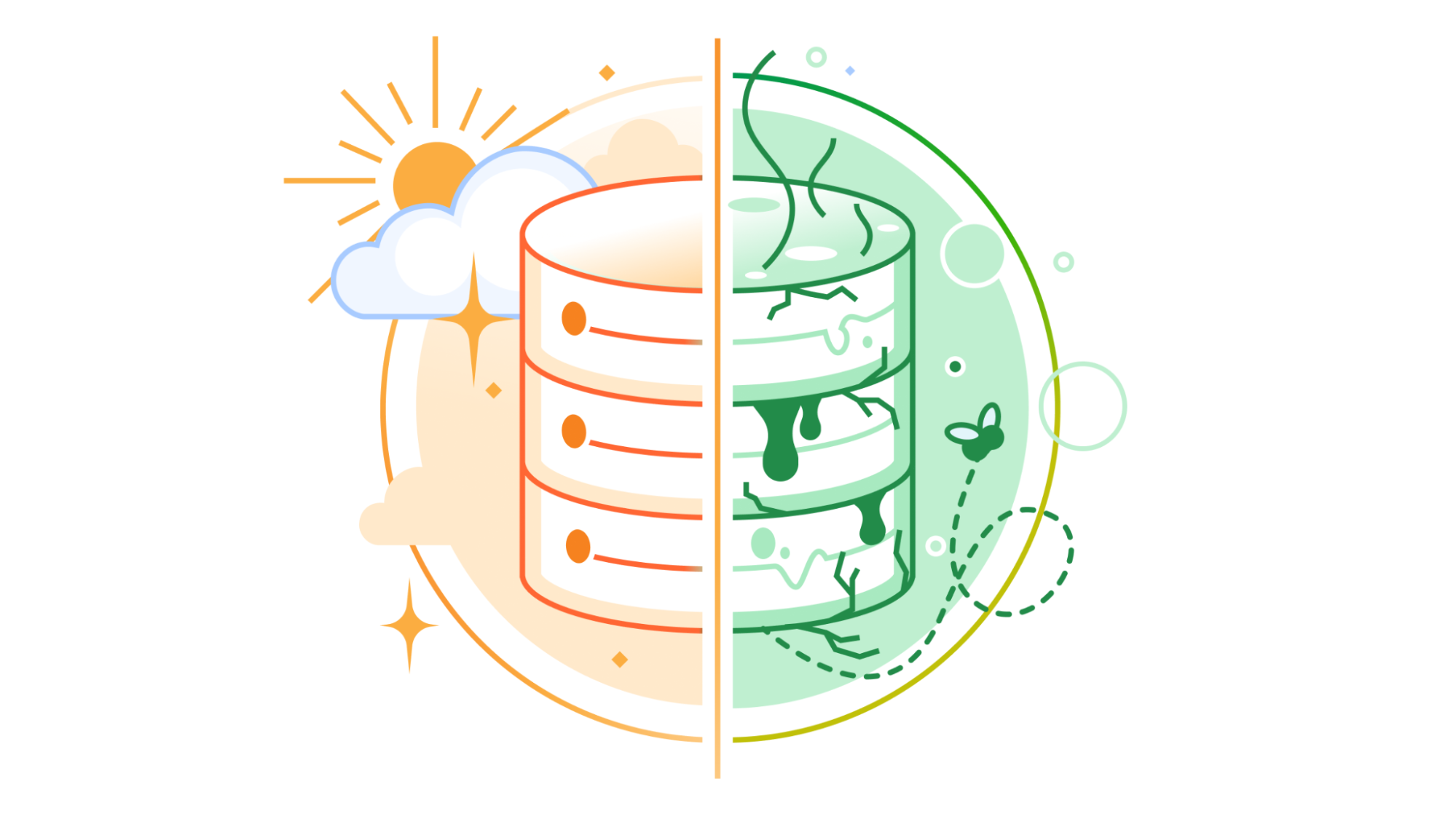
Every Preview has its own isolated and persistent state, with Durable Objects and Containers For isolation to extend across your application, stateful resources need special treatment. The reason for that is that Durable Objects run on a singleton model . One instance is responsible for a given object ID, and that instance owns its storage.
If a Preview shared the same DO namespace as production, you wouldn't just be reading stale data — you could modify the same instance serving live traffic in real time (scary!) That is why every time you run npx wrangler preview , Cloudflare automatically creates a new Durable Object namespace and Container application for that Preview — so that a failed migration or a bad schema change stays contained to that branch and that branch only.
All you need to do is export the class, add its migration, and access it through ctx. exports : In production, ctx. exports.
Counter resolves to the production namespace, while in a Preview, it resolves to that Preview’s namespace. You now have an entire playground to experiment with. Take Sandboxes, for example, where milliseconds of improvement to startup time can make or break the experience.
If you have been trying to improve cold-start performance, you can run different configurations across branches at the same time, compare their cold and warm performance side by side, and find the best setup faster. Test, observe, and revise each Preview (or have your agent do it) Now that each branch runs at its own URL in an isolated environment with its own state, you can enter the feedback loop and start battle-testing every change before it reaches production.
You can send traffic to the Preview URL however you normally would — from your terminal, probe from CI , an agent, or by clicking through it yourself. Once that traffic starts flowing, every Workers Observability tool you’re already used to is available, scoped to each individual Preview.
Originally published at blog.cloudflare.com