Organizations building event-driven applications on Amazon EventBridge typically start with a single custom event bus in one account. This works well when a single team owns the architecture. As adoption grows across the organization, though, things get complicated.
AWS best practices recommend a multi-account structure, which means each team runs in its own account. To route events between them, teams create multiple event buses connected through cross-account rules or bus-to-bus configurations. This workaround reintroduces the operational complexity that serverless architectures are meant to eliminate.
Platform teams lose visibility into who is subscribing to which events, cross-account and bus-to-bus routing charges compound quickly, and teams that need capabilities like event ordering are forced to build complex workarounds or adopt entirely different technologies. Today, we are announcing an enhanced custom event bus in Amazon EventBridge, purpose-built for organizations scaling event-driven applications across teams and accounts.
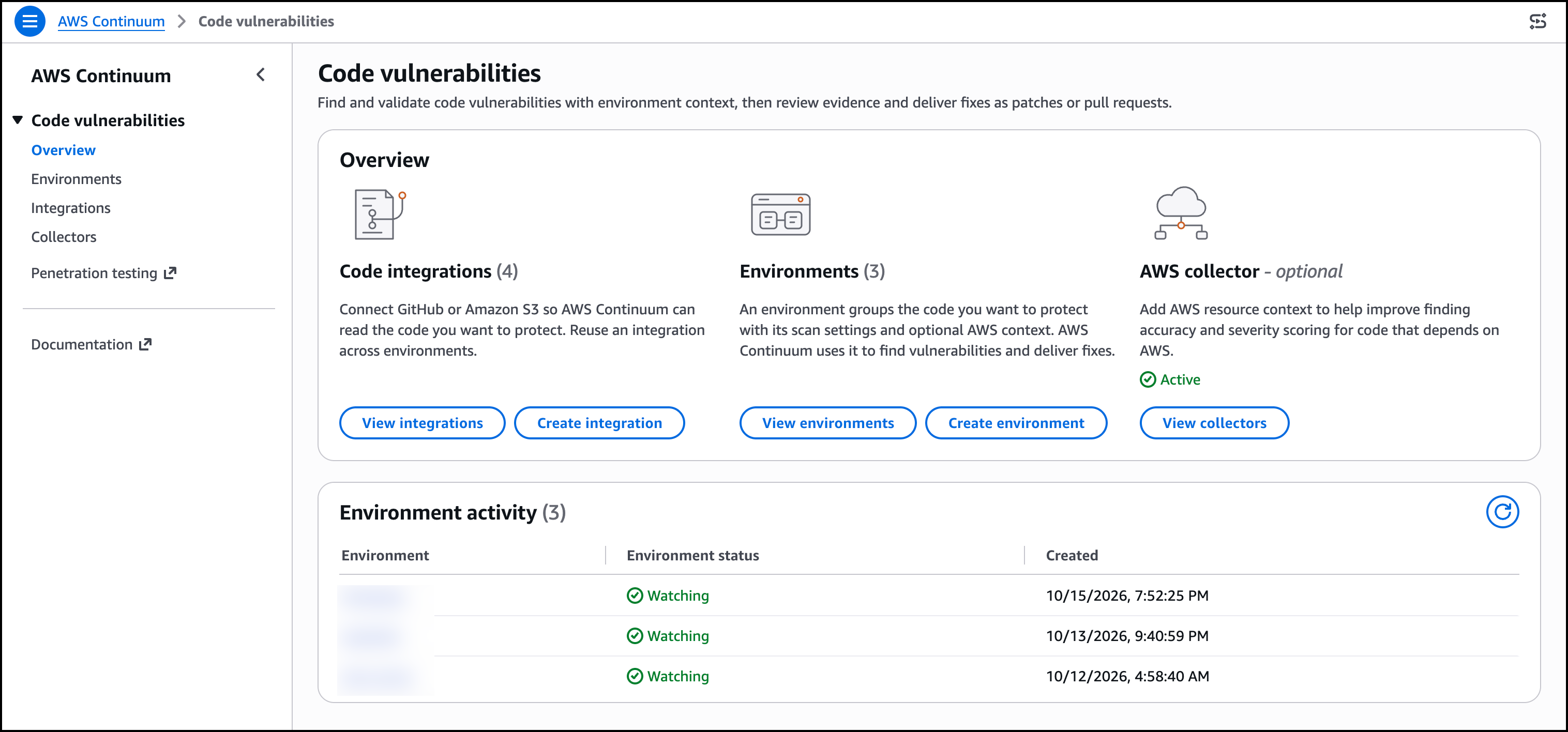
With the new enhanced custom event bus, you can deploy a single, centralized event bus shared across all AWS accounts in your organization, with ordering guarantees, a simplified Subscriber resource, and a new pricing model that delivers improved economics at scale and cost allocation for publishers and subscribers. Let’s try it out To get started with an enhanced custom event bus, I navigated to the EventBridge console in the AWS Management Console and opened the Create custom event bus page.
I selected Custom event bus, the recommended option labeled New. The page also offered Custom event bus – classic, which continues to receive events and route them with rules and targets. Below the selection, EventBridge showed how the new bus works.
One shared bus serves every team in the organization. Publishers send events, subscribers consume only what they need, and EventBridge handles ordering, retention, routing, and delivery. The Create custom event bus page.
Custom event bus is the recommended new option, with ordered delivery, filter patterns, event replay, and sharing across your AWS organization. Custom event bus – classic remains available for existing workloads. Next, I configured resource sharing.
I turned on Enable event bus sharing and selected Allow sharing only within your organization. I chose AWS account ID as the principal type. I could also share with an organization, an organizational unit, or an AWS Identity and Access Management (IAM) role or user.
Sharing uses AWS Resource Access Manager (AWS RAM) , so I did not have to set up cross-account permissions or bus-to-bus routing myself. Resource sharing on the new custom event bus. I enabled sharing within my organization through AWS RAM and selected an AWS account as the principal, which is how teams publish and subscribe on the same bus without extra routing.
Organization-wide sharing With the new enhanced custom event bus, you can create a single event bus and share it across all AWS accounts in your organization. Platform teams deploy one bus and establish it as the central event backbone, eliminating the need to configure cross-account permissions or bus-to-bus routing. Application teams across your organization can publish and subscribe to events on the same bus without waiting for infrastructure provisioning.
Publishers send events without needing to know which teams consume them, and subscribers create their own Subscriptions independently. Platform teams maintain visibility into all event flows and fine-grained control over who can publish and consume events. The new enhanced custom event bus has a default quota of 10,000 Subscribers per bus, and you can request a higher quota.
That reduces the fragmentation that occurs when subscriber limits force you to split across multiple buses. Event ordering Event-driven architectures work best when consumers are designed around asynchronous patterns, where the order of events does not matter. There are a few cases where order does matter.
In a logistics application, driver location updates must arrive in sequence. Out-of-sequence events cause routing algorithms to make decisions based on stale data. The enhanced custom event bus supports both patterns on the same bus.
Publishers can include an EventGroupId when sending events. EventBridge delivers events that share the same EventGroupId in sequence to Subscribers that chose ordered delivery. Other subscribers on that bus can receive the same events without ordering.
You can keep events for each driver in the correct order without building complex workarounds, while the rest of your consumers stay fully asynchronous. To support ordered processing, the enhanced custom event bus includes synchronous invocation for targets like AWS Lambda . Synchronous mode confirms successful processing before acknowledging the event, eliminating the common pattern of placing Amazon Simple Queue Service (Amazon SQS) between an event bus and Lambda to ensure reliability.
Subscriptions The enhanced custom event bus introduces the Subscriber resource, which combines event filtering, target configuration, retry policies, and dead-letter destinations into a single, manageable unit. Today, achieving the same outcome with EventBridge requires configuring separate rules, targets, and retry settings across multiple resources. Subscribers simplify this by giving each consumer one resource that defines what events they want, where to deliver them, and how to handle failures.
Subscribers also include variable start time options, making it easier for teams to onboard new consumers or replay events to recover from application errors or hydrate new applications. Event evaluation Publishers can turn on content-based deduplication so EventBridge detects and drops retries of the same event from the payload itself. You do not have to generate and track a deduplication ID when a timeout or a partial failure sends the same event twice.
Originally published at aws.amazon.com