Developers building web and AI applications on Vercel can now add Amazon S3 storage resources directly from the Vercel Marketplace and v0, combining the durability, scalability, and performance of S3 with the convenience of Vercel’s provisioning workflow. Starting today, Amazon Simple Storage Service (Amazon S3) , including Amazon S3 Tables and Amazon S3 Vectors , is natively available on the Vercel Marketplace and v0 by Vercel , covering three distinct workloads: everyday storage, analytics, and AI.
Why this matters Millions of developers build, deploy, and scale web and AI applications on Vercel. Storage is essential to performant applications, but provisioning it previously required navigating to the AWS Management Console to configure policies and credentials. Now, S3 storage integrates directly into the Vercel developer experience, with resource provisioning and connection configuration handled automatically.
Together with existing integrations for Amazon Aurora , Amazon DynamoDB , and Amazon OpenSearch Serverless , you get a complete application stack inside Vercel (from your database layer through to object, vector, and open table storage), all on one AWS account with one bill. Storage for every application S3 general purpose buckets : Store virtually unlimited objects, including files, images, videos, and documents, for data lakes, cloud-native applications, and mobile apps.
S3 delivers the most durable storage in the cloud, designed to provide 99. 999999999% (11 nines) data durability and 99. 99% availability by default.
S3 Tables : Fully managed Apache Iceberg storage optimized for analytics with automated table maintenance and compaction. S3 Tables are directly queryable from any Iceberg REST catalog API-compatible engine, including DuckDB. S3 Vectors : Purpose-built vector storage and query for AI applications such as retrieval-augmented generation (RAG) and semantic search, reducing the cost of uploading, storing, and querying vectors by up to 90%.
Figure 1 – The AWS page on the Vercel Marketplace. Getting started From the Vercel dashboard, go to the Storage tab and choose Create. Select AWS, pick your S3 bucket type, choose a Region, and create the bucket.
Provisioning takes a few seconds. Figure 2 – Creating an Amazon S3 general purpose bucket in Vercel by choosing a Region and a name. Connect the bucket to a project, then pull the environment variables with the Vercel CLI: vercel link vercel env pull .
env. local The integration injects AWS_REGION , AWS_ROLE_ARN , AWS_RESOURCE_ARN , and a bucket name such as S3_BUCKET_NAME , S3_TABLE_BUCKET_NAME , or S3_VECTOR_BUCKET_NAME . At runtime, the awsCredentialsProvider from @vercel/functions/oidc exchanges a short-lived OIDC token with AWS Security Token Service (AWS STS) for temporary credentials scoped to your resource.
No static keys are stored anywhere. Object storage with S3 This Next. js route uploads a file to a general purpose bucket: import { S3Client, PutObjectCommand } from "@aws-sdk/client-s3"; import { awsCredentialsProvider } from "@vercel/functions/oidc"; const s3 = new S3Client({ region: process.
env. AWS_REGION, credentials: awsCredentialsProvider({ roleArn: process. env.
AWS_ROLE_ARN, }), }); export async function POST(request) { const formData = await request. formData(); const file = formData. get("file"); await s3.
send(new PutObjectCommand({ Bucket: process. env. S3_BUCKET_NAME, Key: file.
name, Body: Buffer. from(await file. arrayBuffer()), ContentType: file.
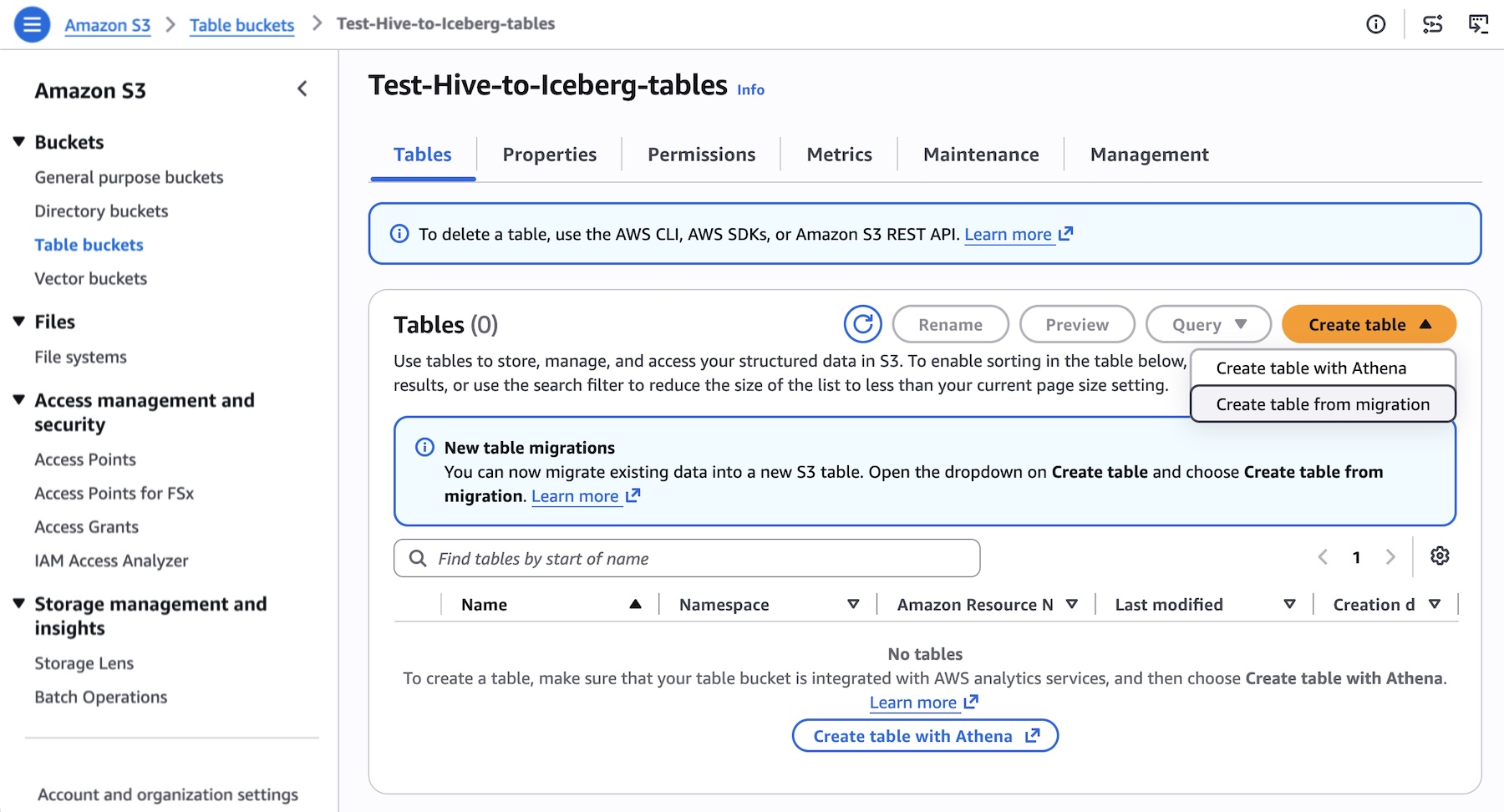
type, })); return Response. json({ success: true }); } Use ListObjectsV2Command and GetObjectCommand with the same client to list and read objects. Analytics with S3 Tables S3 Tables offer S3 storage purpose-built for analytics and are designed to automatically optimize query performance as data volumes grow.
They provide fully managed Apache Iceberg tables with automated table maintenance and compaction, and they work with any Apache Iceberg REST Catalog-compliant engine. You can use DuckDB inside a Vercel Function for lightweight queries. This example attaches the table bucket by its ARN and runs an aggregate query: import { DuckDBInstance } from "@duckdb/node-api"; import { awsCredentialsProvider } from "@vercel/functions/oidc"; const creds = await awsCredentialsProvider({ roleArn: process.
env. AWS_ROLE_ARN, })(); const db = await DuckDBInstance. create(); const conn = await db.
connect(); await conn. run("INSTALL aws; LOAD aws; INSTALL httpfs; LOAD httpfs; INSTALL iceberg; LOAD iceberg;"); await conn. run(` CREATE SECRET s3cred ( TYPE s3, KEY_ID '${creds.
accessKeyId}', SECRET '${creds. secretAccessKey}', SESSION_TOKEN '${creds. sessionToken}', REGION '${process.
env. AWS_REGION}' ); ); await conn. run( ATTACH '${process.
env. AWS_RESOURCE_ARN}' AS s3tables ( TYPE iceberg, ENDPOINT_TYPE s3_tables ); ); const rows = await (await conn. run( SELECT town_city, AVG(median_price) AS avg_price FROM s3tables."
${process. env. S3_TABLES_NAMESPACE}".
town_monthly GROUP BY town_city ORDER BY avg_price DESC LIMIT 10 `)). getRowObjects(); If you run DuckDB inside a Next. js route, add @duckdb/node-api to serverExternalPackages in next.
config. mjs so the native bindings are not bundled. Vector search with S3 Vectors S3 Vectors deliver purpose-built, cost-optimized vector storage for AI agents, AI inference, and semantic search of your content stored in Amazon S3.
S3 Vectors provides native support for storing and querying vectors without a separate vector database, but it does not generate them. Create the embeddings with your model of choice, then query the index for the closest matches: import { S3VectorsClient, QueryVectorsCommand } from "@aws-sdk/client-s3vectors"; import { awsCredentialsProvider } from "@vercel/functions/oidc"; const vectors = new S3VectorsClient({ region: process.
env. AWS_REGION, credentials: awsCredentialsProvider({ roleArn: process. env.
AWS_ROLE_ARN, }), }); export async function POST(request) { const { embedding } = await request. json(); const result = await vectors.
Originally published at aws.amazon.com